Game development with Compose Canvas
This guide teaches game development on Android by taking apart a real, shipped game: TTac — a bouncy neon Tic-Tac-Toe with an AI, LAN multiplayer, streak medals and two unlockable arcade games (a falling-block puzzle and a honeycomb word hunt).
Everything you see in TTac is drawn with Jetpack Compose's Canvas: marks, boards, glows, particles, medals, even
the icons. Sounds are synthesised in code. That makes it an unusually complete teaching project — every pixel and
every sound has source you can read.
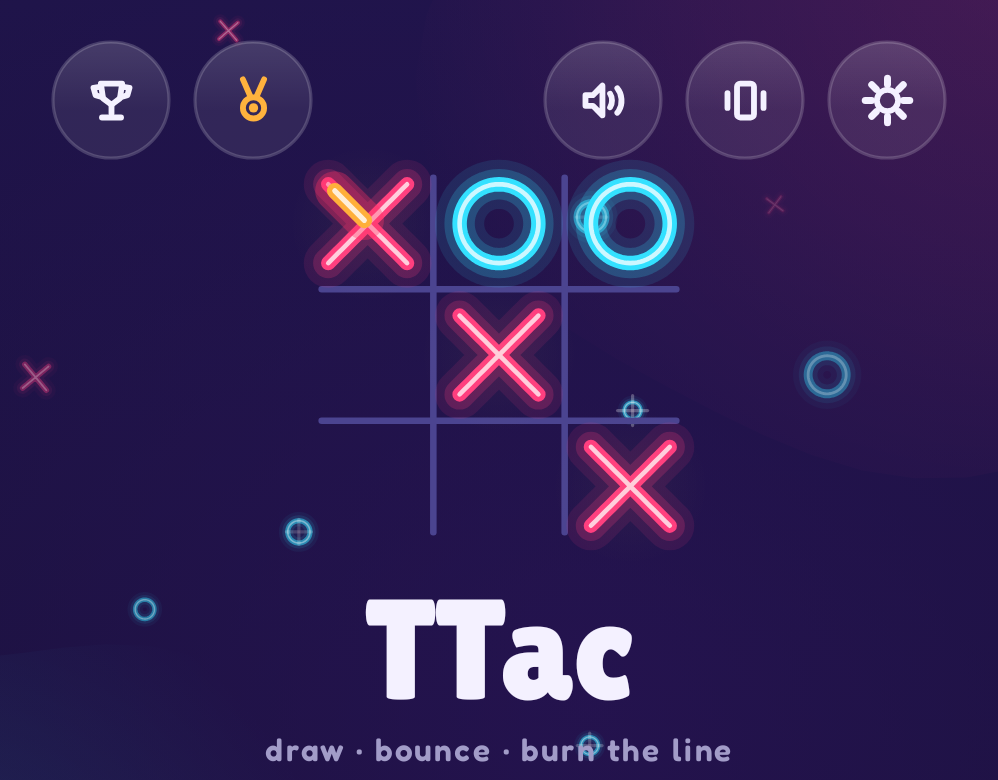
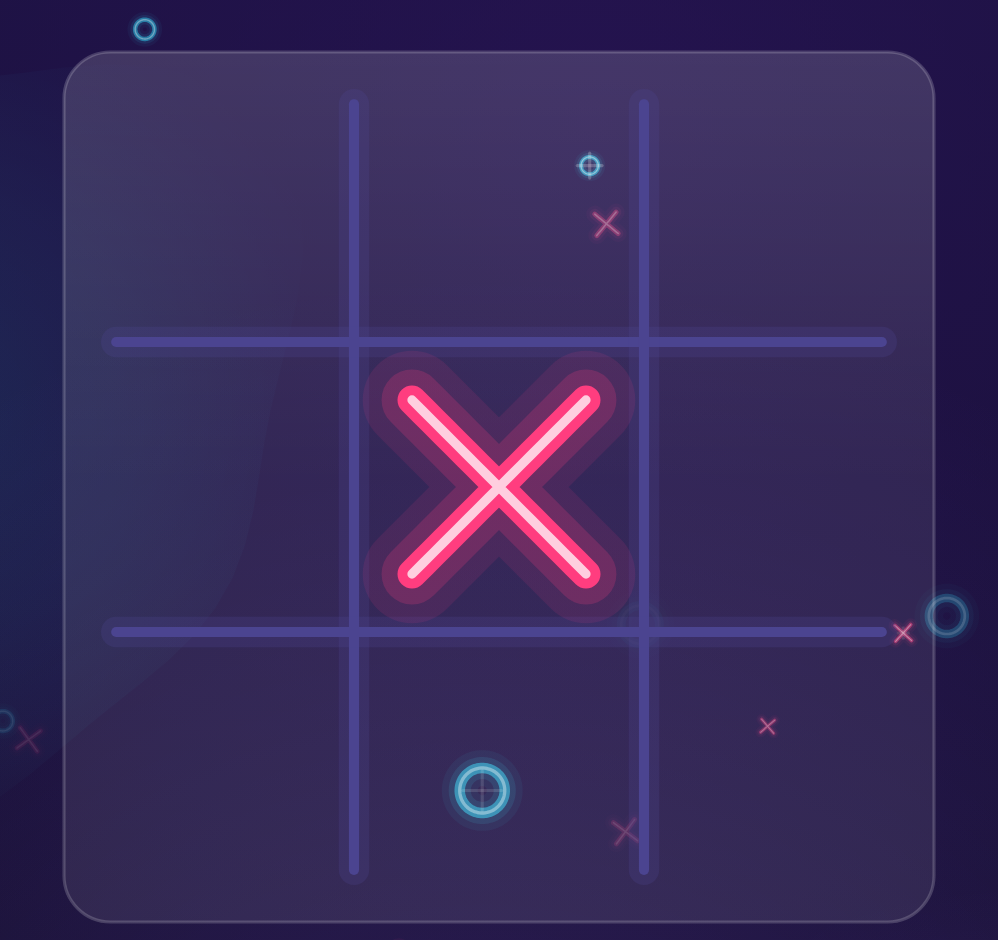
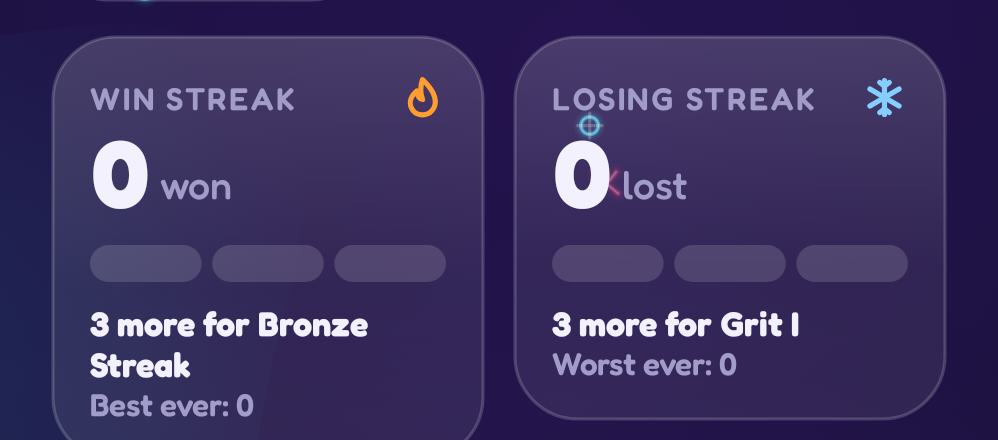
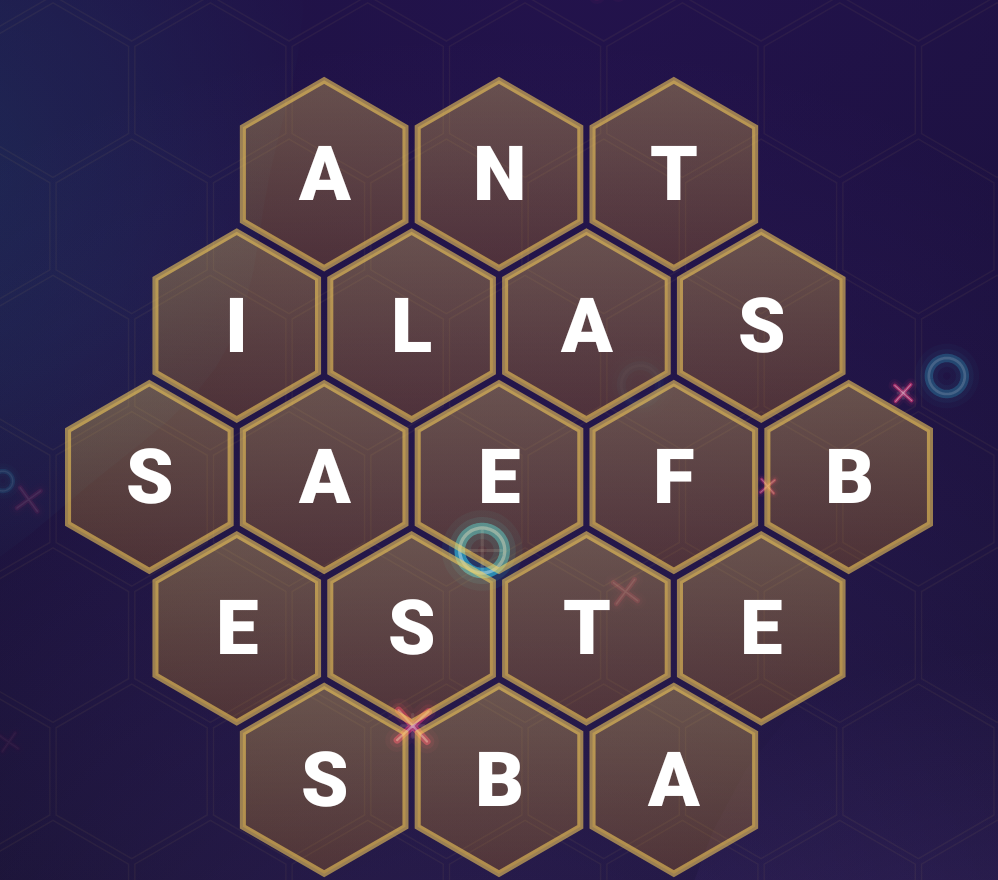
Every image in this guide is captured by a screenshot test (Roborazzi) from the app's real composables, then cropped to the part being discussed — so it is always current.
How to read this guide
The chapters climb from beginner to pro. Each one starts from zero, explains the idea with pictures, shows the exact TTac code, then finishes with a "going further" section for experienced readers.
| Level | Chapters | You'll learn |
|---|---|---|
| 🟢 Beginner | 1–3 | Project setup, how Compose thinks, and drawing your first shapes on a Canvas |
| 🟡 Intermediate | 4–9 | Drawing and animating game pieces, springs, gradients, glows, particles, a UI kit |
| 🟠 Advanced | 10–16 | Pure game rules, minimax AI with alpha-beta, state machines, gestures, a falling-block engine, hex grids |
| 🔴 Pro | 17–24 | Sound synthesis, persistence with reducers, pause & resume, progression systems, LAN networking, screenshot testing, Baseline Profiles, CI/CD |
Follow along
Clone the repo and open it in Android Studio. Every chapter names the files it discusses, e.g.
ui/draw/Marks.kt. Paths are relative to app/src/main/java/io/gh/kdbrian/ttac/.
The big picture
flowchart LR
    subgraph UI["ui — Compose"]
      S[Screens] --> C[Components]
      S --> D[draw — Canvas]
    end
    subgraph App["app"]
      VM[AppViewModel] --> M[Match]
    end
    subgraph Pure["game — pure Kotlin"]
      B[Board & AI]
      BL[Blocks engine]
      H[Word Hive]
    end
    subgraph Sys["systems"]
      DATA[data — reducers & storage]
      NET[net — LAN]
      FX[fx — synth & haptics]
    end
    S --> VM
    M --> B
    S --> BL
    S --> H
    VM --> DATA
    VM --> NET
    VM --> FX
The golden rule the architecture follows: game rules never know about the screen. game/ is plain Kotlin that
takes a state and returns a new state. The UI only reads that state and draws it. That split is what makes the
AI testable, the Blocks engine playable by a bot in unit tests, and the drawing code free to be as flashy as it
likes.
Where to go next
Start with Setup & project layout if you're new to Android, or jump straight to Canvas fundamentals if you already know Compose. The API reference (generated by Dokka from KDoc) documents every public type.